Key takeaways
- Buy a public app when it solves the problem well and the monthly cost is lower than building and maintaining your own.
- Build a custom app for business-specific logic, integrations with your own systems or when several apps overlap.
- Shopify Functions handle custom discount, delivery and payment logic inside Shopify's infrastructure.
- Simple display features belong in the theme, not in an app that loads on every page.
- New apps should use the GraphQL Admin API; Shopify treats the REST Admin API as legacy.
Most Shopify stores run on a mix of apps. That works well — until the monthly bills grow, apps conflict or slow the store, or nothing on the App Store does exactly what you need. This guide explains when to buy, when to build and which building blocks Shopify offers.
Your options
- Public app: Built by a third party for many stores and installed from the App Store. Quick to start, priced monthly.
- Custom app: Built for your store only, against Shopify's APIs. Fits your exact process and integrates your own systems.
- Shopify Functions: Small pieces of custom logic that run inside Shopify — discounts, delivery and payment rules, cart validation and bundles.
- Theme development: Display features such as badges, size guides or FAQs, built into the theme without an app.
When a public app is the right choice
- The app solves the problem well and is actively maintained.
- Its monthly cost is lower than building and maintaining your own over two to three years.
- It uses theme app extensions, so it loads only where needed and uninstalls cleanly.
- Its data can be exported if you move on later.
When to build a custom app
- You need to connect Shopify to your ERP, warehouse, CRM or another in-house system.
- Your process is specific to your business — custom pricing, approvals or fulfilment rules.
- Several apps overlap and one tailored tool would replace them.
- App fees are scaling with your order volume faster than your margin.
What custom Shopify development involves
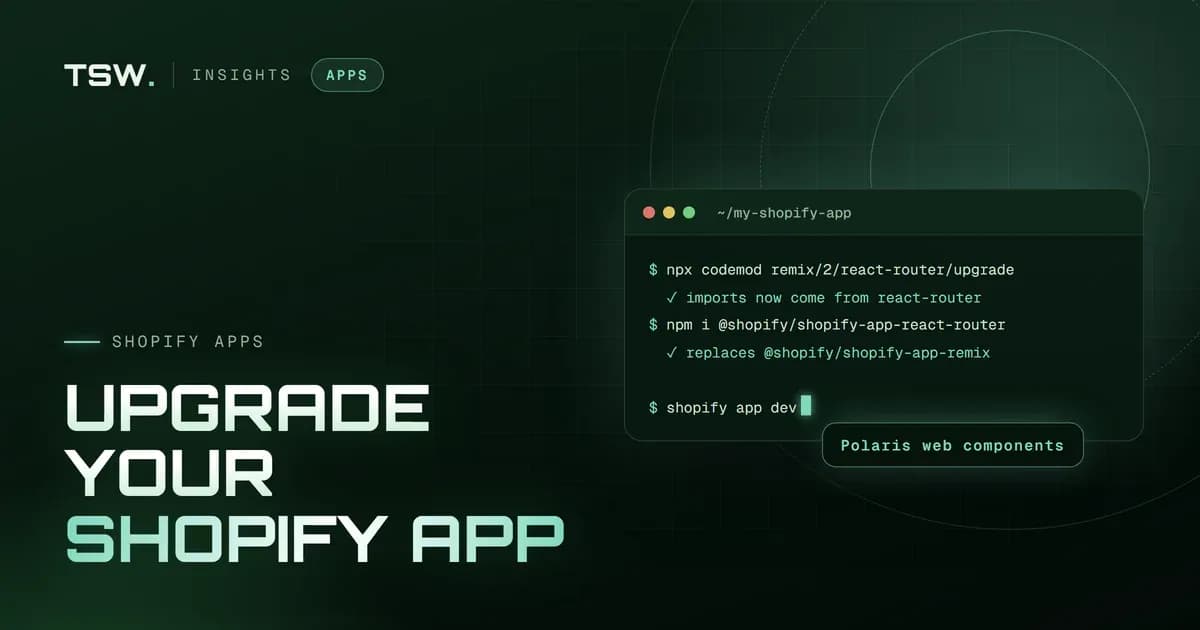
Modern Shopify apps are built with Shopify CLI on React Router, use the GraphQL Admin API — Shopify treats the REST Admin API as legacy — and render inside the admin with App Bridge and Polaris components. Checkout and discount logic is built as checkout UI extensions and Shopify Functions. A custom app needs hosting, monitoring and updates as Shopify's APIs change, so budget for maintenance as well as the build.
A quick decision guide
- Is it purely visual? Build it into the theme.
- Is it discount, shipping or payment logic? Use Shopify Functions — from a public app or your own.
- Does a well-reviewed app do it for a fair price? Use the app.
- Does it involve your own systems or unique processes? Build a custom app.
Not sure which route fits? Our custom Shopify app development team builds apps, Functions and integrations — and will tell you when an existing app is the cheaper answer. If you run an older Remix-based app, read upgrading a Shopify app to React Router 7. Get in touch.
Filed under
 Jay Patel