Key takeaways
- New Shopify apps start on React Router 7 with
@shopify/shopify-app-react-router, forked from the Remix template. - Existing Remix apps keep working, but documentation, examples and new features target React Router.
- The mechanical part — imports, scripts, config — is mostly handled by a codemod and Shopify's upgrade guide.
- The real effort is UI and API hygiene: Polaris Web Components, App Bridge and the GraphQL Admin API.
- Most apps migrate in days to a few weeks; plan it before your next big feature, not after.
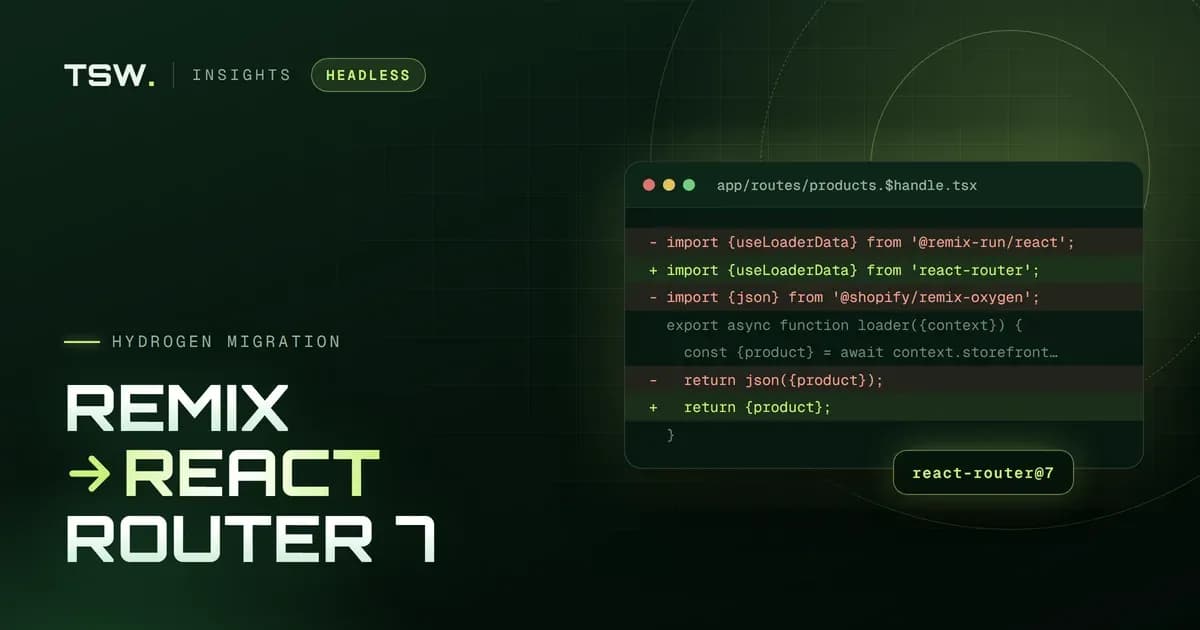
Shopify's app template has moved on. Run shopify app init today and you get an app built on React Router 7, using the @shopify/shopify-app-react-router package — a fork of the Remix template, converted when Remix merged into React Router. Apps built on the Remix template still run, but they now sit on the older branch of the ecosystem, and every month adds distance.
What Shopify changed
- A new template:
shopify-app-template-react-routerreplaces the Remix template as the starting point for new apps. - A new app package:
@shopify/shopify-app-react-routertakes over from@shopify/shopify-app-remix, with the same approach to authentication, sessions, webhooks and Admin API access. - New scripts and config: Development moves from
remix vite:devtoreact-router dev, and the build uses React Router's Vite plugin. - Polaris Web Components: The new template uses Polaris Web Components for the app's admin UI.
The upgrade path, step by step
Shopify publishes an official Upgrading from Remix guide in the template's wiki. In practice, the order that keeps an app shippable throughout is:
- Enable the Remix future flags and fix what each one reports, so the app already behaves like React Router 7.
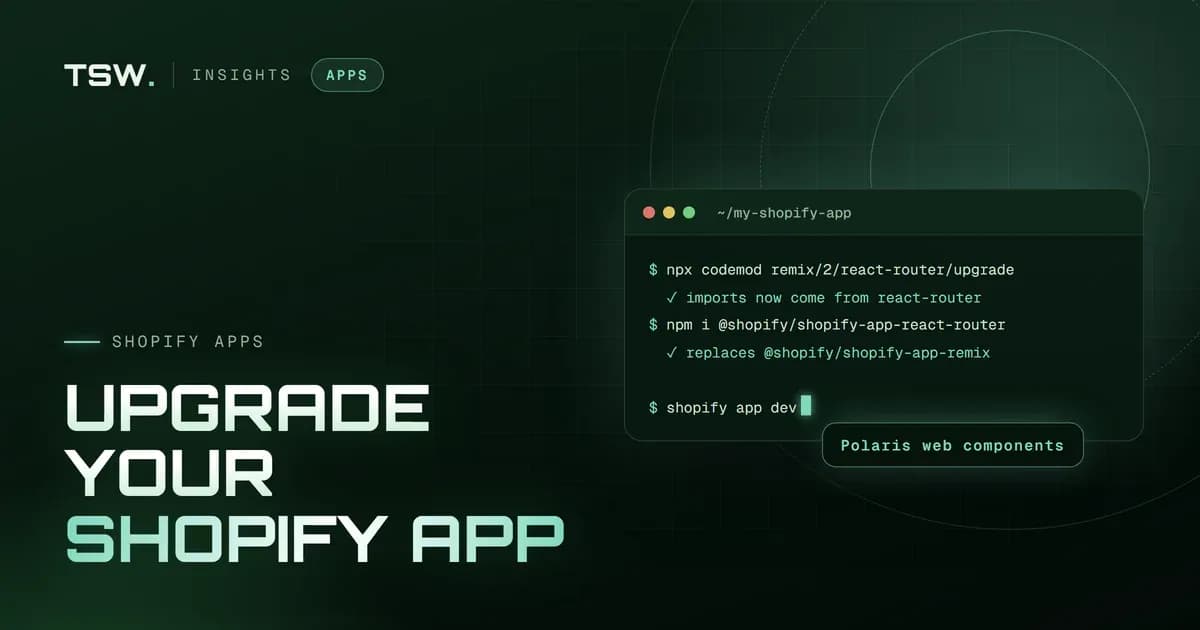
- Run the codemod —
npx codemod remix/2/react-router/upgrade— to rewrite imports and configuration. - Swap the Shopify package for
@shopify/shopify-app-react-routerand update every import that referenced the Remix one. - Update scripts and config to match the new template, following Shopify's upgrade guide.
- Keep your data layer as it is. Session storage — Prisma or otherwise — and your database schema do not need to change.
- Test every entry point: install and OAuth, the embedded admin, webhooks, billing, app proxies and any extensions.
Where the real work is
The framework swap is rarely what takes the time. These are:
- The admin UI: Moving from Polaris React components to Polaris Web Components is optional for an existing app, but it is where Shopify's UI is heading — and screens you touch during the migration are worth moving.
- App Bridge: Older App Bridge patterns should move to the current App Bridge, which the template loads from Shopify's CDN.
- Admin API calls: Shopify has made the GraphQL Admin API the standard for new public apps. Remaining REST calls are technical debt worth retiring while the app is open on the table.
- Extensions: Theme app extensions, checkout UI extensions and Functions are unaffected by the framework change, but they should be tested against the migrated app.
A realistic timeline
- Small embedded apps: A handful of routes and a simple admin: two to five days, including testing.
- Mid-sized apps: Billing, webhooks and several extensions: one to two weeks.
- Large or App Store apps: Complex admin UIs and listing requirements: plan two to four weeks, and schedule the App Store listing update.
When to do it
Before your next significant feature, not after it. Every feature built on the Remix template is one more thing to move later, and new Shopify capabilities arrive documented for React Router first. Migrating on its own also keeps the change easy to review and easy to roll back.
We build custom Shopify apps and run Remix to React Router 7 migrations in place, with no downtime. Tell us about your app and we will scope it.
 Jay Patel