Key takeaways
- Match the partner to the job: a freelancer for focused tasks, an agency for design, development and growth together.
- Ask to see live stores similar to yours, and speak to past clients.
- A good quote is itemised, with scope, milestones, testing and what happens after launch.
- Keep ownership: the store, domain, apps and code should be in your name.
- Give access with Shopify's collaborator accounts, never your own login.
A good Shopify partner can launch a store in weeks and help it grow for years. A poor fit leads to missed deadlines, a slow store and code nobody else can maintain. Here is how to choose well.
Freelancer or agency?
- Freelance developer: Best for well-defined tasks: a new section, an app integration or a speed fix. Cost-effective, but one person's availability limits capacity.
- Specialist agency: Best when you need design, development, migration and marketing together, or ongoing support with cover for holidays and sickness.
- In-house developer: Worth it once you have a steady roadmap of work — often alongside an agency for larger projects.
Questions to ask a Shopify developer or agency
- Can you show live stores you built that are similar to ours in size or complexity?
- Who will actually work on our project, and who is our day-to-day contact?
- How do you handle design: templates, a customised theme or a custom theme?
- How do you test before launch, and on which devices?
- How do you protect site speed and SEO during the build or migration?
- What does support look like after launch, and what does it cost?
- How will our team edit content without a developer?
How to compare quotes
Price differences usually come from scope, not hourly rates. Compare quotes on the same brief and look for:
- An itemised scope: templates, custom sections, integrations, migration and content.
- Milestones and a realistic timeline, with your responsibilities stated.
- Testing, launch support and a defect warranty period.
- What is excluded — content entry, app costs, photography or ongoing changes.
Red flags
- No live examples, or only theme demos.
- A quote without a written scope.
- Asking for your Shopify owner login instead of using collaborator access.
- Building the store on their own account or theme licence.
- Promising guaranteed rankings or revenue.
Protect your store and code
Keep the Shopify store, domain, apps and paid themes in your own name. Give developers access with Shopify's collaborator accounts, which you can limit and remove at any time, and ask for the theme code in a repository you own.
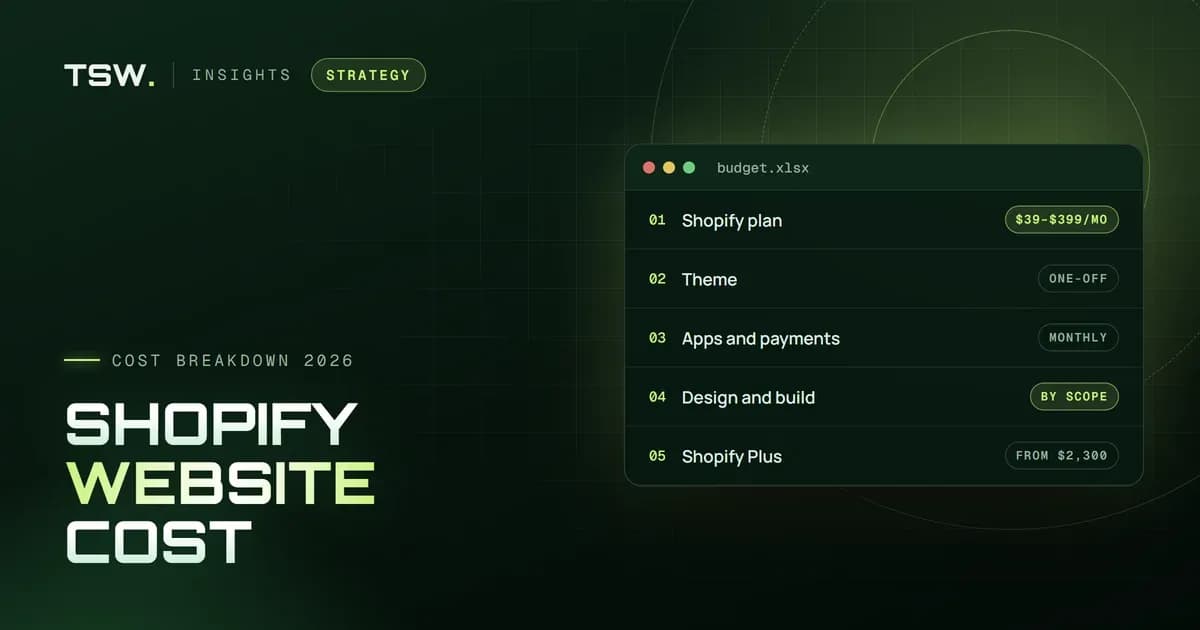
Comparing partners? Look at our case studies and how we work, then request a proposal — you will get an itemised scope and a clear timeline. Our guide to Shopify website costs explains what drives a budget.
Filed under

 Jay Patel