Key takeaways
- Measure with real-user data — Core Web Vitals and Shopify's web performance report — not a single lab score.
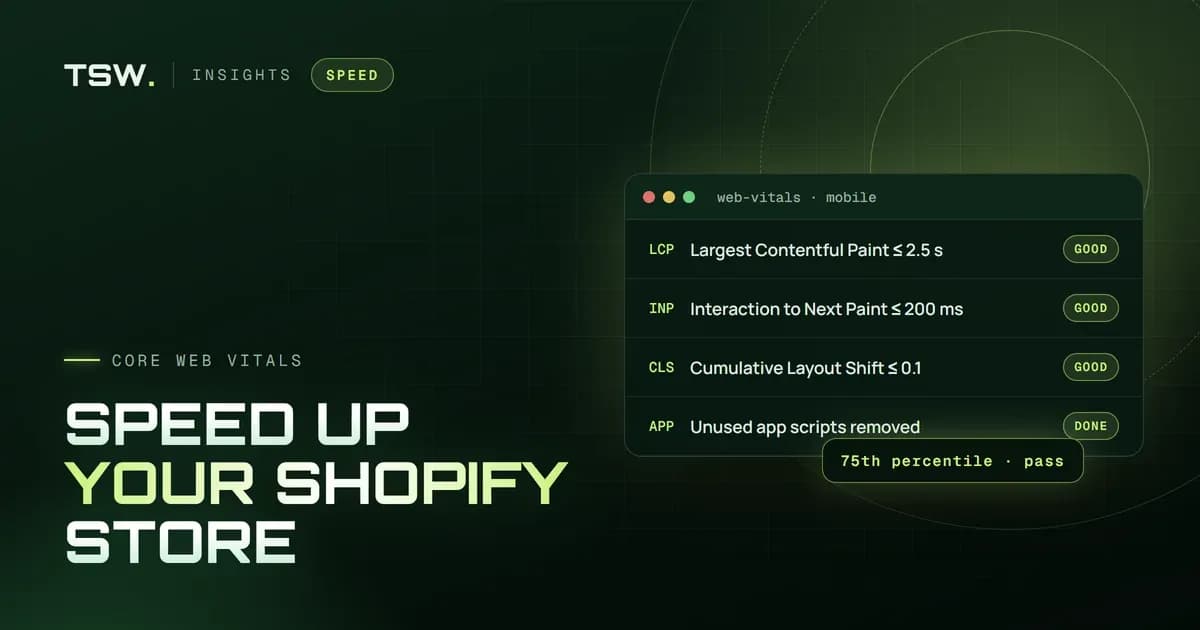
- Good means LCP within 2.5 seconds, INP within 200 milliseconds and CLS of 0.1 or less, for at least 75% of visits.
- Apps are the most common cause of a slow Shopify store: their scripts often run on every page.
- Most gains come from the hero image, fonts, third-party scripts and unused theme features.
- Speed is maintenance, not a one-off: re-test after every new app, campaign and theme update.
Speed affects both rankings and conversion. Shopify's hosting and CDN are fast; what slows most stores down is what gets added on top — apps, tracking scripts, oversized images and heavy themes. Here is how we approach Shopify speed optimisation, in the order that usually pays off most.
How to measure Shopify store speed
Start with real-user data. Google's Core Web Vitals come from Chrome users visiting your store, and Shopify's web performance report in the admin shows the same metrics. Lab tools such as PageSpeed Insights and Lighthouse are useful for diagnosing problems, but a single lab score is not what Google ranks.
- Largest Contentful Paint (LCP): How quickly the main content — usually the hero or product image — appears. Good is 2.5 seconds or less.
- Interaction to Next Paint (INP): How quickly the page responds to taps and clicks. Good is 200 milliseconds or less.
- Cumulative Layout Shift (CLS): How much the layout jumps while it loads. Good is 0.1 or less.
A page passes when at least 75% of visits meet all three. Test your homepage, a collection page and a product page on mobile — that is where most stores fall short.
1. Audit and remove apps you don't need
Apps are the most common reason a Shopify store is slow. Many load JavaScript and CSS on every page, even where they do nothing. List every installed app, what it does and which pages need it, then remove the ones that overlap or no longer earn their place.
- Uninstalling isn't always enough: older apps added code to theme files, which stays behind. Search the theme for leftover snippets and script tags.
- Prefer apps built on theme app extensions, which load only where you add their blocks and are removed cleanly.
- Replace simple app features — announcement bars, badges, FAQs — with native theme sections.
2. Optimise images for a faster LCP
- Use the
image_urlfilter to request images at the sizes you display, andimage_tagto output responsivesrcsetandsizes. - Load the hero or first product image eagerly with high fetch priority, and lazy-load everything below the fold.
- Avoid hero sliders: the first slide competes with the others and often delays LCP.
- Give images a width and height so the browser reserves space and the layout doesn't shift.
3. Load fonts and third-party scripts efficiently
- Limit custom fonts to the families and weights you use, preload the main one and use
font-display: swap. - Load chat, review and marketing scripts with
deferor after the first interaction, not in the head. - Move tracking to Shopify's Customer Events (web pixels), which run in a sandbox away from your page.
- Remove duplicate tracking: the same pixel installed by an app and by hand is common.
4. Improve INP by reducing JavaScript
INP suffers when the browser's main thread is busy. Large bundles, heavy sliders and apps that react to every scroll and click all compete with the shopper's taps.
- Load JavaScript only for the sections on the page, instead of one large bundle everywhere.
- Break up long tasks, and avoid re-rendering the whole cart drawer on every change.
- Replace jQuery-era plugins with small, native alternatives.
5. Clean up your Liquid theme
- Remove unused sections, snippets and assets left from earlier redesigns.
- Avoid nested loops over large collections; paginate product grids and render extra content on demand.
- Start from a well-built Online Store 2.0 theme, which gives you a fast baseline to build on.
6. Fix layout shift
- Reserve space for images, embeds and app widgets such as review stars.
- Show banners and pop-ups as overlays instead of pushing content down after load.
- Choose fallback fonts with similar metrics to your web fonts, so text doesn't reflow when they load.
Keep your Shopify store fast
Speed decays: every campaign, app and tracking tag adds weight. Re-test after each change, keep a short list of approved apps and review Core Web Vitals monthly. A fast store also supports the rest of your Shopify SEO.
Want an expert to do it? Our Shopify speed optimisation service finds what slows your store down and fixes it in the theme, without breaking the features you rely on. Book a speed audit.
Filed under
 Jay Patel