Key takeaways
- Prioritise clear navigation and mobile-first layouts before adding complex animations.
- Use structured wireframes and user testing to validate your layout choices early.
- Balance visual appeal with site speed to protect your search rankings and conversions.
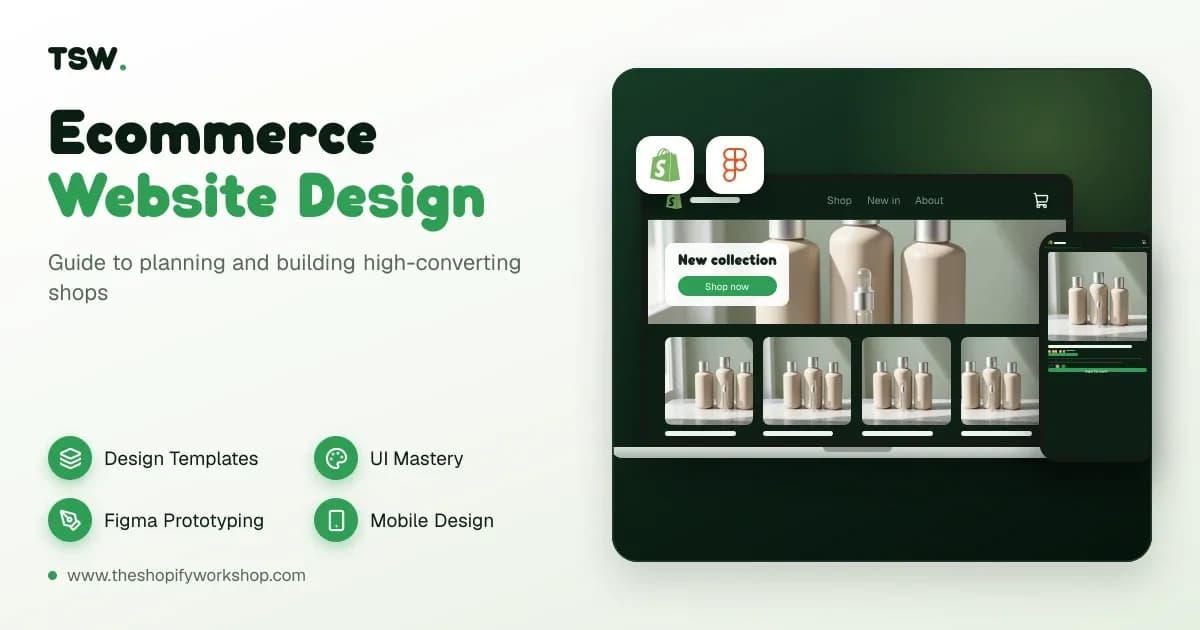
Effective ecommerce website design combines clear visual hierarchy, frictionless user journeys and robust technical foundations to turn casual visitors into loyal customers. Whether you are launching a brand-new store or overhauling an existing catalogue, the core objective remains the same: removing every barrier between the buyer and the checkout button. When planning your build, you must look beyond basic aesthetics and focus heavily on information architecture, mobile responsiveness and page speed. Poor layout choices or cluttered product pages often sink conversion rates faster than any pricing issue. By investing in professional website design services, growing brands establish credibility, build trust instantly and guide users naturally through their purchasing decisions.
Evaluating ecommerce website design templates
Choosing the right starting point for your digital storefront often begins with evaluating available ecommerce website design templates. Pre-built themes offer a cost-effective way to get online quickly, but they come with distinct trade-offs regarding flexibility and uniqueness. Many growing brands make the mistake of picking a template purely based on its demo imagery, only to find that their own product photography and inventory structures do not fit the layout. When reviewing options, you should examine how the template handles long product titles, varied pricing tiers, swatch variants and mobile viewports. A good template should act as a clean canvas rather than a rigid box that restricts your merchandising strategy. If you outgrow standard themes, transitioning to bespoke Shopify theme development allows for complete control over your brand presentation, custom features and unique user interactions without unnecessary bloat.
Template customisation also requires careful consideration of code cleanliness. Cheaply coded templates often load dozens of heavy scripts that drag down your Core Web Vitals and hurt your visibility in search engines. Before committing to a template, audit its mobile performance and check whether it supports modern modular design features like drag-and-drop sections. Taking the time to test multiple layouts against your actual product data prevents costly redesigns later. For brands looking to scale rapidly, partnering with a specialist Shopify development agency ensures your chosen framework is optimised for both customer experience and long-term search engine performance from day one.
Understanding all about ecommerce website design
To truly master all about ecommerce website design, you must understand the interplay between visual design, persuasive copywriting and technical performance. Every element on your page—from the primary call to action to the footer links—serves a specific psychological and functional purpose. Modern shoppers expect immediate answers, effortless navigation and lightning-fast page transitions. If your category pages take more than a few seconds to filter or load, potential buyers will abandon your store for a competitor. This holistic discipline requires close collaboration between designers, developers and marketers to ensure your brand story translates effectively across every digital touchpoint. For deeper insights into crafting layouts that sell, explore our comprehensive guide on ecommerce UX design. Furthermore, aligning your visual structure with robust conversion rate optimisation strategies turns standard traffic into a predictable engine for revenue growth.
Beyond the frontend layout, your design must accommodate backend realities such as inventory management, shipping calculators and tax plugins. A visually stunning product page loses its value if the add-to-cart button breaks when a customer selects a specific size and colour combination. Comprehensive planning ensures that your visual assets and functional requirements work in harmony. Whether you are building a standard storefront or exploring complex enterprise architectures, getting the foundations right protects your investment and provides a stable platform for future marketing campaigns and seasonal traffic surges.
Mastering ecommerce website design ui
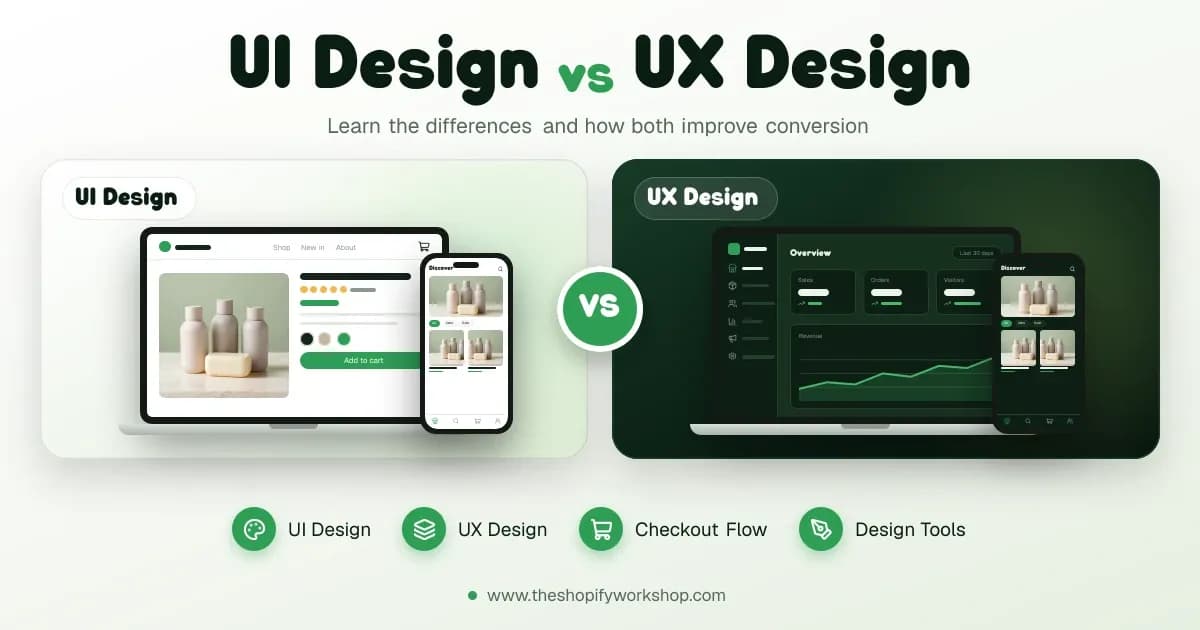
Focusing on ecommerce website design ui means paying meticulous attention to typography, colour theory, spacing and interactive states. User interface choices dictate how easily a customer can digest information and interact with your store. For example, form fields in the checkout process must have clear labels, high-contrast borders and instant error validation so users never wonder why their payment failed. Buttons should look clickable, with distinct hover and active states that provide immediate visual feedback. Consistency across all pages builds subconscious trust, reassuring shoppers that your business is secure and professional. When designing intricate user interfaces, it is vital to understand the nuances of UI vs UX design, ensuring that aesthetic beauty never compromises functional clarity. Every visual cue should guide the eye logically toward conversion points without causing cognitive overload.
Accessibility is another critical pillar of modern interface design. Your store must comply with contrast ratios, screen reader requirements and keyboard navigation standards to accommodate all potential buyers. Neglecting accessibility not only alienates a portion of your audience but can also expose your business to legal risks. Implementing these standards from the beginning of your design phase saves substantial time and prevents expensive retrofits. By creating inclusive, polished interfaces, you widen your addressable market and deliver a superior brand experience that encourages repeat purchases and positive word-of-mouth recommendations.
Using an ecommerce website design prompt effectively
Leveraging an ecommerce website design prompt within modern artificial intelligence tools can dramatically accelerate your wireframing and concept-generation phases. Whether you are brainstorming layout variations for a seasonal collection or writing structural briefs for your design team, clear prompts help generate diverse visual ideas and content structures quickly. However, AI-generated layouts should always be treated as starting points rather than final blueprints. You must filter every concept through your brand guidelines, customer research and technical constraints. For instance, an AI tool might suggest a complex multi-column navigation menu that looks striking in a static image but fails completely on mobile touchscreens. Combining generative tools with expert ecommerce consulting helps you separate genuinely valuable design innovations from passing trends that could hurt your store usability.
When writing prompts for layout or component generation, specificity is key. Instead of asking for a generic online shop layout, specify your target audience, product category, preferred aesthetic style and required conversion elements like sticky add-to-cart bars or trust badges. This disciplined approach yields actionable design directions that your developers can actually build. By integrating AI thoughtfully into your early planning stages, your team can explore multiple creative directions in a fraction of the time, allowing you to focus your budget on rigorous testing and bespoke customisation.
Prototyping with ecommerce website design figma
Collaborative prototyping using ecommerce website design figma files has become the industry standard for mapping out store architectures before writing a single line of code. Figma allows designers, stakeholders and developers to review interactive mockups, comment on specific components and test user flows across desktop, tablet and mobile viewports simultaneously. This collaborative environment eliminates ambiguity and ensures everyone agrees on the visual direction before development begins. Within Figma, your team can establish design systems containing reusable components—such as buttons, cards, typography scales and form elements—which guarantees visual consistency across hundreds of potential page templates. Working within a structured design system also speeds up future updates, as changing a core component automatically updates it across all connected mockups.
Prototyping also gives you the opportunity to conduct user testing sessions with real shoppers before committing to a costly build. By observing how users interact with your Figma prototype, you can identify navigation bottlenecks, confusing product filters or hidden checkout steps early. Fixing these usability issues in the design phase is exponentially cheaper than rewriting custom code after launch. Once your prototypes are signed off, our team can seamlessly translate your design vision into reality, whether you need a standard setup or advanced Shopify Plus development for high-growth enterprise brands.
FAQs
How long does an ecommerce website design project take?
Project timelines vary depending on complexity, catalogue size and custom feature requirements. A standard theme customisation is the quickest route, whereas a fully bespoke headless build or complex migration can take several months from initial discovery to final launch.
Should I use a pre-built template or custom design?
Pre-built templates are ideal for startups with limited budgets looking to launch quickly. Custom designs suit established brands requiring unique user experiences, complex third-party integrations or specific brand identities that standard templates cannot support.
How does mobile responsiveness impact my sales?
The majority of ecommerce traffic originates on smartphones and tablets. If your mobile layout is difficult to navigate, features tiny buttons or has slow image loading times, shoppers will leave immediately, directly reducing your revenue and conversion rates.
What role does page speed play in ecommerce design?
Page speed is critical for both user experience and search engine rankings. Heavy animations, unoptimised images and excessive tracking scripts slow down your store, leading to higher bounce rates and fewer completed checkouts.
How do I ensure my new design preserves my SEO?
You must maintain URL structures, preserve existing metadata, implement proper 3D redirects for any changed paths and ensure your new layout retains all keyword-optimised category content. Following a structured migration plan protects your organic traffic.
Ready to transform your online store with a high-performing layout? Talk to our team today to discuss your project requirements and get a fixed quote for your build via our contact page.
Filed under
 Jay Patel